Bookings tracked in a spreadsheet, availability checked from memory, receipts typed by hand and guest details copied from one place to another: if this sounds familiar, you are not alone. It is exactly the moment when many hospitality businesses start asking what a PMS is and whether they really need one. A good property management system is not a luxury reserved for large hotels. It is the tool that lets a B&B, a vacation rental or a campsite run smoothly, cut down on mistakes and win back valuable time.
In this guide we look at what a PMS does, which features actually matter and how to choose the right software for your property without getting lost in endless feature lists.
What is a PMS (Property Management System)?
PMS stands for Property Management System: the software that brings together the day-to-day operations of an accommodation business. It is where reservations, rooms or units, guests, payments and documents all meet.
At any given moment, a PMS answers three essential questions: who is arriving, where they are staying and how much they owe. Everything else, from housekeeping to invoicing, is built around that information.
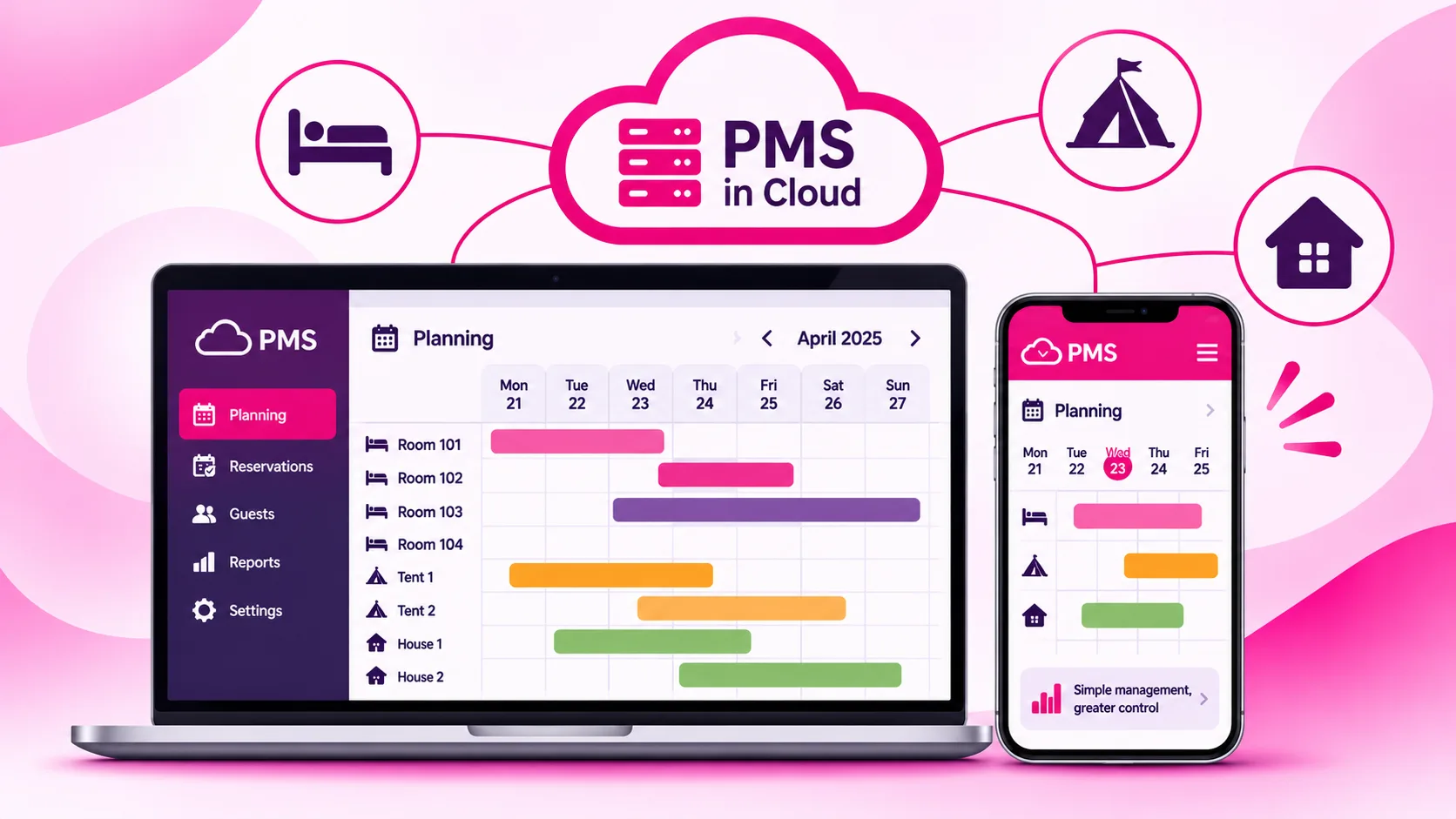
Hotel software used to be a program installed on a front-desk computer. Today most property management systems are cloud-based: you use them from a browser or an app, from anywhere, and the whole team always sees up-to-date data.
What property management software actually does
Features vary from one product to another, but a complete PMS usually covers these areas:
- Booking calendar: an overview of rooms, apartments or pitches, with arrivals, departures and availability.
- Reservation management: creating, editing and cancelling stays, with a full history, whatever channel they come from.
- Guest profiles: contact details, documents, preferences and past stays, useful for compliance and for building loyalty.
- Rates and stay rules: seasonal pricing, minimum length of stay, supplements and special offers.
- Payments, receipts and invoices: deposits, balances, extras and tax documents linked to each booking.
- Operations: housekeeping status, maintenance and tasks assigned to staff.
- Reporting: occupancy, revenue, guest origin and channel performance.
PMS vs channel manager vs booking engine
These three tools are often mixed up, but they play different and complementary roles. Knowing who does what is the first step towards a good choice.
| Tool | What it does | Question it answers |
|---|---|---|
| PMS | Manages reservations, guests, operations and internal accounting | What is happening at my property? |
| Channel manager | Syncs availability and rates with OTAs and listing sites | What do my sales channels show? |
| Booking engine | Takes commission-free bookings on your own website | How do people who find me online book? |
Good to know: the real value appears when these tools are integrated. A booking from an OTA lands in the PMS, updates the calendar and closes availability on every other channel, with no manual work at all.
Why a PMS makes a difference every day
Fewer mistakes, no double bookings
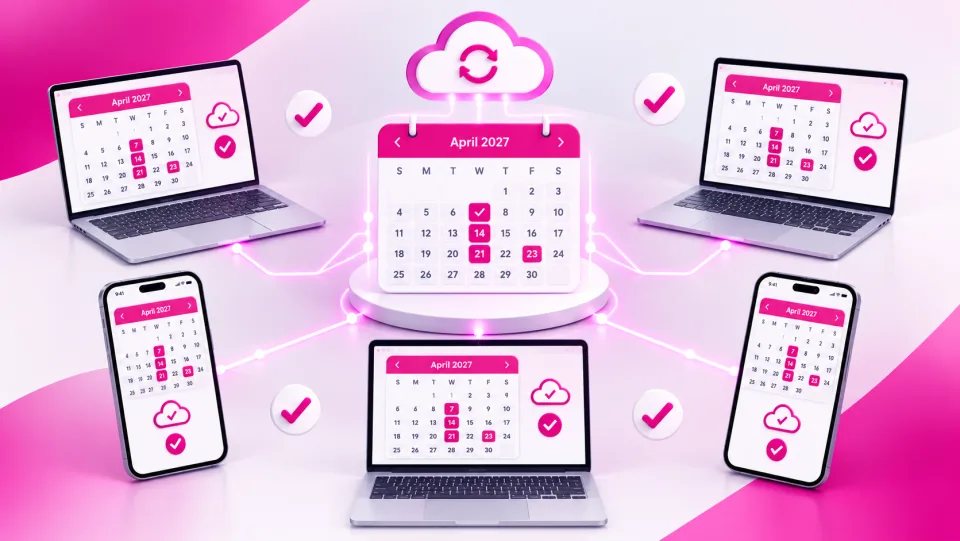
When every reservation flows through a single system, slip-ups become rare: wrong dates, forgotten guests, the same room sold twice. The calendar becomes the single source of truth for the whole team.
More time for your guests
Data entered once is reused everywhere: on the receipt, in guest messages, in reports. The hours saved on repetitive admin can go into hospitality, which is what guests actually remember.
Easier compliance
Every country has its own reporting rules. In Italy, for example, properties must report their guests to the police headquarters (Questura) through the State Police portal Alloggiati Web, send tourist arrival data for official statistics (often called the ISTAT report) and, where applicable, collect the local tourist tax. A PMS that stores guest data in a structured way can prepare or transmit these reports, reducing the risk of something slipping through. Procedures and deadlines depend on national and local rules, so always check with the relevant authorities.
Decisions based on numbers
With all your data in one place, you can see which periods perform best, which channels bring profitable bookings and where your rates need adjusting. Without a PMS, that information stays scattered and hard to read.
How to choose the right PMS for your property
There is no single best PMS, only the one that fits the way you work. Here is a practical way to evaluate your options.
- Start from your processes: write down how you handle a booking today, from the first enquiry to check-out. Every manual step is a candidate for automation.
- List your must-have features: separate what you truly need from what is merely nice to have.
- Check the integrations: channel manager, booking engine, payments, invoicing, smart locks and government reporting.
- Test it with real scenarios: book a demo and walk through the typical situations at your property, including the tricky ones.
- Assess support and training: responsive help in your language, especially during peak times, matters as much as features.
- Think about growth: the system should handle new units, new channels and new team members without forcing you to start over.
Tip: during the demo, ask to see one complete flow, from an online booking to the final receipt. It is the quickest way to find out whether the software will really save you time.
Different properties, different needs
Software built for a hotel does not always suit a campsite, and vice versa. Here is what to focus on depending on your type of business.
| Property type | Features to check |
|---|---|
| Hotels and B&Bs | Room planning, meal plans and services, fast check-in, housekeeping status |
| Vacation rentals and property managers | Multi-owner management, owner statements and payouts, cleaning coordination, self check-in |
| Campsites and holiday villages | Interactive map of pitches and units, tents, motorhomes and bungalows, extras, access control |
If you run a mix, such as a holiday village with camping pitches and apartments, look for a PMS that handles everything in the same calendar without workarounds.
Common mistakes to avoid
- Choosing on price alone: cheap software that still needs a lot of manual work ends up costing more.
- Underestimating data migration: ask how future bookings, guest records and rate plans will be transferred.
- Ignoring the people who will use it: involve front desk, housekeeping and admin. If the team does not adopt it, the PMS sits unused.
- Forgetting mobile: if you manage scattered units or work on the move, a well-designed app is essential.
- Overlooking security and privacy: guest information is personal data. Check backups, role-based access and compliance with data protection rules.
Watch out: plan the switch to a new PMS for a quieter period. Changing systems in the middle of high season adds stress and increases the risk of errors.
Quick checklist
- I have mapped how I currently handle bookings, payments and compliance.
- I know which features are essential and which are optional.
- The PMS integrates with a channel manager and a booking engine.
- It handles guest registration and the statistical reports my country requires.
- It produces receipts, invoices and reports without double data entry.
- It runs in the cloud and works on a smartphone.
- It comes with real support, training and a clear data migration plan.
- It can grow with my business.
Want to see a PMS working on your property?
With ForGuest you manage reservations, sales channels, guests, compliance and invoicing in one cloud system built for hotels, vacation rentals, property managers, campsites and holiday villages. We will show you how it fits your real workflows.
Frequently asked questions.
What is a PMS in hospitality?
A property management system is the software that centralises reservations, rooms or units, guests, payments, documents and reports in one place, today usually in the cloud.
What is the difference between a PMS and a channel manager?
The PMS runs your property's internal operations; the channel manager syncs availability and rates with OTAs and listing sites. They work best when integrated.
Does a small B&B or a single vacation rental need a PMS?
Yes. Even with a few units it reduces errors, avoids double data entry and simplifies receipts, guest messaging and compliance.
Can a PMS handle Italian guest reporting such as Alloggiati Web and ISTAT?
Many PMS platforms collect guest data and prepare or transmit these reports. Procedures and deadlines should always be checked with the official authorities.
When is the best time to switch PMS?
Plan the move for a quieter period, with a clear plan to migrate future bookings, guest records and rate plans.