Two bookings for the same apartment, on the same nights, coming from two different portals. Anyone who runs a vacation rental, a B&B or a hotel knows this scene well: awkward phone calls, guests to relocate, penalties and reviews at risk. A channel manager exists precisely to prevent it. In this guide we look at what it is, how it works and how to use it to say goodbye to overbooking without spending your days updating calendars.
What is a channel manager
A channel manager is software that connects your property to all your online sales channels: Booking.com, Airbnb, Expedia, Vrbo and the other online travel agencies (OTAs), plus your own website with its booking engine.
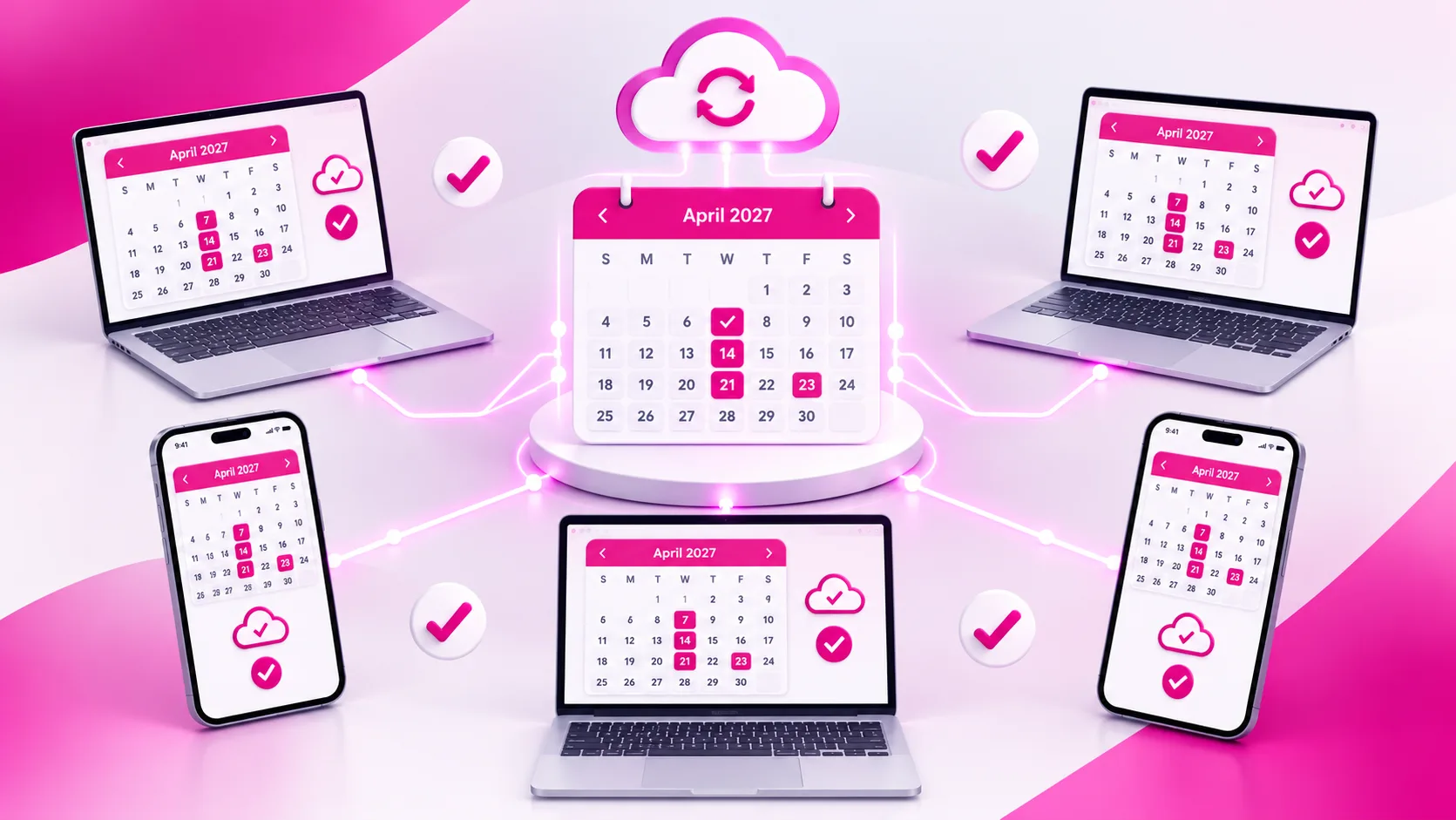
Its job is easy to explain: keep availability, rates and stay rules aligned everywhere, automatically. When a booking comes in from one channel, the channel manager closes those dates on all the others. When you change a rate, the update goes out to every connected portal.
In practice, it becomes the single place from which you manage your online presence. No more logging into five different extranets to do the same task five times.
Why overbooking happens
Accidental overbooking, meaning selling the same unit to two different guests, is almost never just bad luck. The causes are recurring:
- Manual updates: a booking arrives and there is a time gap before you close the dates on the other portals.
- Slow syncing: calendars connected via iCal update at intervals, not in real time. During that window, the dates stay open elsewhere.
- Offline bookings: phone calls, emails or returning guests noted on a spreadsheet or in a diary and never entered online.
- Changes and cancellations: a date change handled on one channel but not on the others leaves "ghost" nights that look booked or free.
- Wrong mapping: a room linked to the wrong room type on a portal sells availability that does not exist.
The more channels you use, the more these gaps multiply. And it is exactly when demand is high, in peak periods, that the risk becomes real.
How a channel manager prevents overbooking
The principle is a single inventory. All the units of your property live in one central calendar and every channel draws from it. Here is the typical flow of a booking:
- The guest books on a portal, for example Booking.com.
- The portal sends the booking to the channel manager through a direct connection (API).
- The channel manager deducts the availability from the central calendar.
- The updated availability is pushed to all the other connected channels within moments.
- The booking appears in your PMS or planner, with the guest details already recorded.
The same applies to changes and cancellations: if a guest cancels, the dates reopen everywhere and become bookable again without you lifting a finger.
Good to know: the difference between a two-way API connection and a simple iCal sync is significant. iCal only transfers booked dates and does so at intervals; a direct connection also exchanges rates, restrictions and booking details, with much faster update times.
Channel manager vs iCal
| Aspect | iCal sync | Channel manager with API connection |
|---|---|---|
| Update speed | At intervals, with possible delays | Almost real time |
| Data transferred | Booked dates only | Availability, rates, restrictions, guest details |
| Rate management | Manual on each portal | Centralized, from a single dashboard |
| Overbooking risk | Present, especially with many channels | Kept to a minimum |
| Best for | A single unit and few channels | Any property selling on multiple channels |
More than a calendar: centralized rates and restrictions
Avoiding double bookings is the reason many hosts adopt a channel manager. But the day-to-day benefit they value most is another one: centralized rate management.
From a single dashboard you can set:
- rates by period, day of the week or room type;
- minimum and maximum length of stay;
- closed to arrival or closed to departure on specific dates;
- different markups or discounts by channel, to offset commissions;
- last-minute or early-booking offers.
A rule changed once applies everywhere. This frees up time and lets you react quickly to demand, instead of chasing updates.
Channel manager and PMS: why they work better together
The channel manager handles communication with the portals. The PMS (Property Management System) handles everything that happens after the booking: planning, check-in, payments, guest communication, compliance and invoicing.
When the two systems are integrated, the flow becomes seamless. The booking comes in from the portal, lands in the planner, creates the guest record and feeds your reports. Even a booking taken over the phone and entered in the PMS instantly closes the dates on every channel.
Tip: if you manage several units or properties, choose a solution where the channel manager and the PMS share the same calendar. This removes double data entry, one of the most frequent causes of errors.
A channel manager for every type of property
Needs vary a lot from one property to another, and good software has to respect them.
Vacation rentals and property managers
If you manage many apartments, often for different owners, you need to see all units in one planner and apply different rules to each. Here the channel manager stops a single slip from turning into a problem with both the guest and the owner.
Hotels and B&Bs
In properties with rooms grouped by type, the software sells availability by category. Managing different rate plans matters a lot, for example breakfast included or a non-refundable rate.
Campsites and holiday villages
Pitches, bungalows and mobile homes follow their own logic: sizes, included services, longer minimum stays. The channel manager has to work with a management system able to represent these differences.
How to choose the right channel manager
Not all software is the same. Before deciding, assess these points:
- Certified connections: check that the portals you use, and those you would like to use, are connected directly and not only via iCal.
- Integration with PMS and booking engine: fewer separate systems means fewer errors and less wasted time.
- Ease of use: the dashboard must be clear even for non-technical users, and accessible from a smartphone.
- Fit with your property: hotel rooms, apartments, pitches and shared units follow different logics.
- Support: fast, knowledgeable support makes the difference when there is a problem with a portal.
- Initial setup: ask whether the provider helps you map your units, the most delicate step.
Mistakes to avoid after going live
A channel manager works well when it is set up well. These are the most common mistakes:
- Still editing the extranets: changing rates or availability directly on the portals creates mismatches. Every change should start from the channel manager.
- Forgetting direct bookings: those taken over the phone must also be entered in the system right away.
- Neglecting mapping: after adding a new unit or rate, check that it is linked correctly on every channel.
- Ignoring notifications: sending errors or suspended connections must be handled immediately, before they turn into double bookings.
Watch out: in the first days after going live, compare the channel manager calendar with the portal extranets. It is the simplest way to spot any mapping errors.
Quick checklist
- I have listed every channel I sell on, including my website and offline bookings.
- The main portals are connected through a direct connection, not only iCal.
- Every unit is mapped to the correct room type on each channel.
- Rates, minimum stay and restrictions are changed only from the channel manager.
- Direct bookings are entered in the system right away.
- The channel manager and the PMS share the same calendar.
- I regularly check notifications and any sync errors.
Want to sell on multiple channels without fearing overbooking?
The ForGuest channel manager is integrated with the PMS and booking engine and connects to more than 50 OTAs: one calendar, centralized rates and more time for your guests.
Frequently asked questions.
What is a channel manager?
It is software that connects your property to booking portals and your website, keeping availability, rates and restrictions automatically aligned across all channels.
Does a channel manager completely eliminate the risk of overbooking?
It keeps it to a minimum thanks to a single inventory and direct connections; it is still important to enter offline bookings right away and check that units are mapped correctly.
What is the difference between a channel manager and iCal sync?
iCal only exchanges booked dates at intervals; a channel manager with an API connection also transfers rates, restrictions and booking details in almost real time.
Do I need a channel manager if I have only one vacation rental?
If you sell on several portals, yes: even with a single unit the risk of double bookings exists, and centralized rate management saves time.
Are a channel manager and a PMS the same thing?
No: the channel manager handles distribution on the portals, the PMS handles operations after the booking. When integrated, they share the same calendar.