A vacation rental often sits empty for days: between stays, during quieter periods, or simply because the owner lives far away. Those are exactly the moments when a small problem can grow unnoticed, from a break-in attempt to a slow water leak. A vacation rental alarm system with remote management solves this: you know what is happening inside the property in real time and can act immediately, even from hundreds of miles away, without making life harder for your guests.
In this guide we look at how to choose and set up a security system built for short-term rentals: which sensors you really need, how to arm and disarm with a different guest every few days, which privacy rules to respect, and how to connect the alarm to the rest of your operations.
Why vacation rentals have different security needs
A traditional home alarm is designed for a family who lives in the house, knows the code and arms it when they leave. In a short-term rental, the picture is completely different.
- People change constantly: guests, cleaners, maintenance staff, co-hosts. Each of them needs access at different times.
- The property is often unoccupied: empty hours are the riskiest, both for burglary and for technical failures.
- The owner is not on site: they need to check, decide and send someone remotely.
- Reputation matters: damage discovered too late can mean cancellations, refunds and negative reviews.
That is why the real difference is not the siren, but the ability to monitor and manage everything remotely.
What remote alarm management actually means
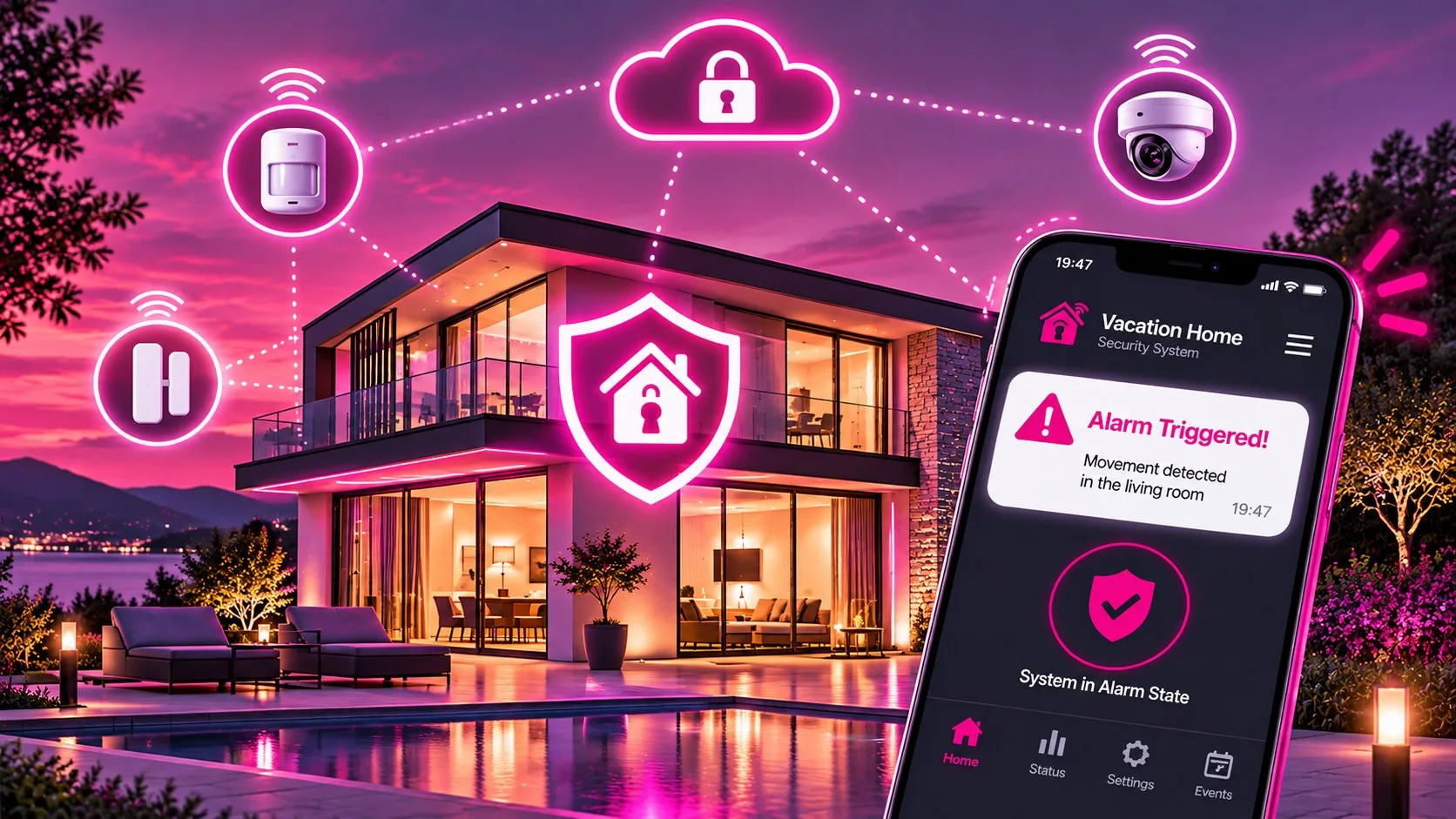
A remotely managed alarm system is controlled from a mobile app or a web dashboard. In practice, it lets you:
- arm and disarm the system from anywhere, including individual zones;
- receive instant smartphone alerts for intrusions, tampering, low batteries or lost connectivity;
- check the event log: who disarmed it, at what time, which sensor was triggered;
- create separate users or codes for guests, staff and contractors, each with limited validity;
- share access with a local partner who can step in on site.
Good to know: an internet-connected system needs a reliable connection and, ideally, a backup channel such as a mobile data SIM. If the home Wi-Fi goes down, the alarm should keep communicating.
Which sensors you really need
You don't need to fill the property with devices. Start from the actual risks of the building and design a proportionate setup. These are the most useful sensors for a short-term rental.
| Sensor | What it detects | Where to install it |
|---|---|---|
| Door/window contact | Opening of doors and windows | Front door, ground-floor windows, patio doors |
| Motion detector | People moving inside | Entrance and hallways, active only when the property is empty |
| Water leak sensor | Water on the floor | Bathrooms, kitchen, near the washing machine and boiler |
| Smoke detector | Early signs of fire | Kitchen (away from the hob), sleeping areas |
| Temperature sensor | Freezing or overheating risk | Utility rooms, mountain homes, poorly heated properties |
| Siren and tamper sensor | Audible alarm and tampering | Visible outdoor spot and a protected control panel |
Leak, smoke and temperature sensors are often overlooked, yet in an empty rental they can prevent the most expensive damage: a burst pipe found after a week causes far more harm than one detected within minutes.
Alarms and guests: arming and disarming without friction
The most common mistake is asking guests to run the alarm as if they owned the place. The result: forgotten codes, sirens going off at night, calls at impossible hours. A simple workflow works much better.
- Disarm before arrival: the system is switched off remotely, or automatically, shortly before check-in.
- Optional perimeter mode: during the stay you can keep only the technical sensors active (water, smoke, temperature), which never bother guests.
- Re-arm after check-out: once the property is empty and cleaned, full protection comes back on.
- Temporary codes for staff: cleaners and contractors use personal credentials, so the log shows who came in and when.
Tip: link the alarm schedule to your booking calendar. Fewer manual steps means fewer mistakes, especially on busy changeover days.
Guest privacy: the rules to respect
Security and privacy must go hand in hand. Rules vary by country, but a few principles apply almost everywhere. In Italy and the rest of the EU they stem from data protection law (GDPR).
- No cameras in guest spaces: bedrooms, bathrooms and indoor living areas must not be recorded during a stay.
- Record only what is necessary: any outdoor cameras should cover the property's entrances, not streets, neighbors or other people's spaces.
- Transparency: disclose cameras and sensors clearly in the listing, in the house manual and with visible signs.
- Minimal data: keep footage and logs only as long as needed and restrict access to authorized people.
Watch out: booking platforms and OTAs also have their own rules on security devices, often stricter than the law. Before installing any camera, check the guidance of your national data protection authority (in Italy, the Garante per la protezione dei dati personali) and the policies of every channel where you list the property.
Door contacts, leak and smoke sensors collect no images and no personal data about guests: they are the simplest way to protect the property without intruding on anyone's privacy.
Handling alerts calmly: who responds and how
An alert at 3 a.m. is useless if nobody knows what to do next. A good remote security setup needs a clear response procedure.
- Verify: check in the app which sensor was triggered and whether guests or staff are expected on site.
- Contact: if a stay is in progress, reach the guest by message or phone.
- Respond: if the alarm is confirmed, send a trusted local contact, a security patrol or, in serious cases, the police.
- Record: log the event and its cause, so you can spot false alarms that need fixing.
False alarms usually come from poorly placed sensors, pets, windows left open or unclear instructions. After each one, ask yourself what you can improve.
Connecting alarms, smart locks and your PMS
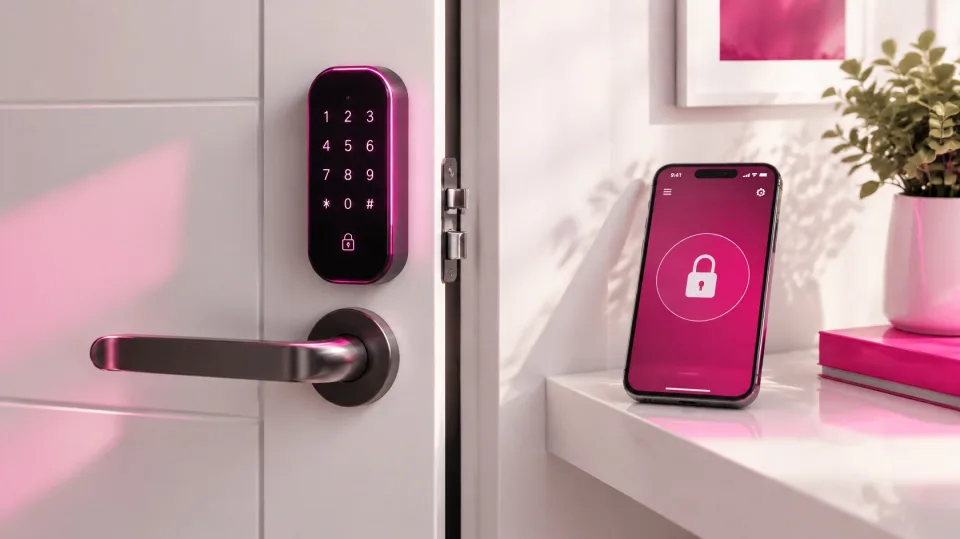
An alarm performs best when it is not a standalone system. When it works together with smart locks and your property management software, daily operations become much smoother.
- A confirmed booking creates the guest's access window.
- Check-in unlocks the door and disarms the alarm at the scheduled time.
- Check-out re-arms the system and notifies the cleaning team.
- Security events appear in a single dashboard, next to bookings and tasks.
Owners and property managers can then see everything in one place, even when they run multiple properties in different locations.
Quick checklist
- Assess the property's real risks: entrances, plumbing, climate, isolation.
- Choose an app-managed system with alerts and an event log.
- Add a backup connection for the alarm.
- Install technical sensors (water, smoke, temperature) as well as intrusion sensors.
- Create separate codes for guests, cleaners and contractors.
- Link arming and disarming to your booking calendar.
- No cameras in guest spaces, and clear disclosure of every device.
- Write down a response procedure and name a local contact person.
Want to protect your properties and manage them remotely?
With ForGuest you can connect remotely managed alarms, smart locks and your property management software, and control every property from a single platform. Tell us what you need and we'll show you how it works.
Frequently asked questions.
Does a vacation rental need an alarm system?
It isn't mandatory, but it is very useful because the property is often empty: a remotely managed system instantly reports intrusions, water leaks or smoke.
How do you manage the alarm with different guests?
Disarm it remotely or automatically before check-in and re-arm it after check-out, keeping only technical sensors active during the stay.
Can you install cameras in a vacation rental?
Never in guest spaces. Any outdoor cameras must be disclosed and limited to entrances: check your data protection authority's guidance and each platform's policy.
Which sensors are most useful for a short-term rental?
Door and window contacts, motion detectors, water leak, smoke and temperature sensors, plus a siren and tamper protection.
Can the alarm work with smart locks?
Yes, many systems can work alongside smart locks and your PMS, so check-in and check-out disarm and re-arm protection at the scheduled times.