A delayed flight, a guest landing at midnight, and you on the other side of town, or in another city entirely. Anyone who runs vacation rentals knows the scene. Smart locks for vacation rentals exist to solve exactly this: they let guests into the property with a code or a smartphone, with no physical keys to hand over and no need to plan your day around arrival times. But a smart lock is not an impulse buy. It needs to be chosen carefully, installed properly and built into a clear process. This guide shows you how.
What a smart lock is and how it works in a short-term rental
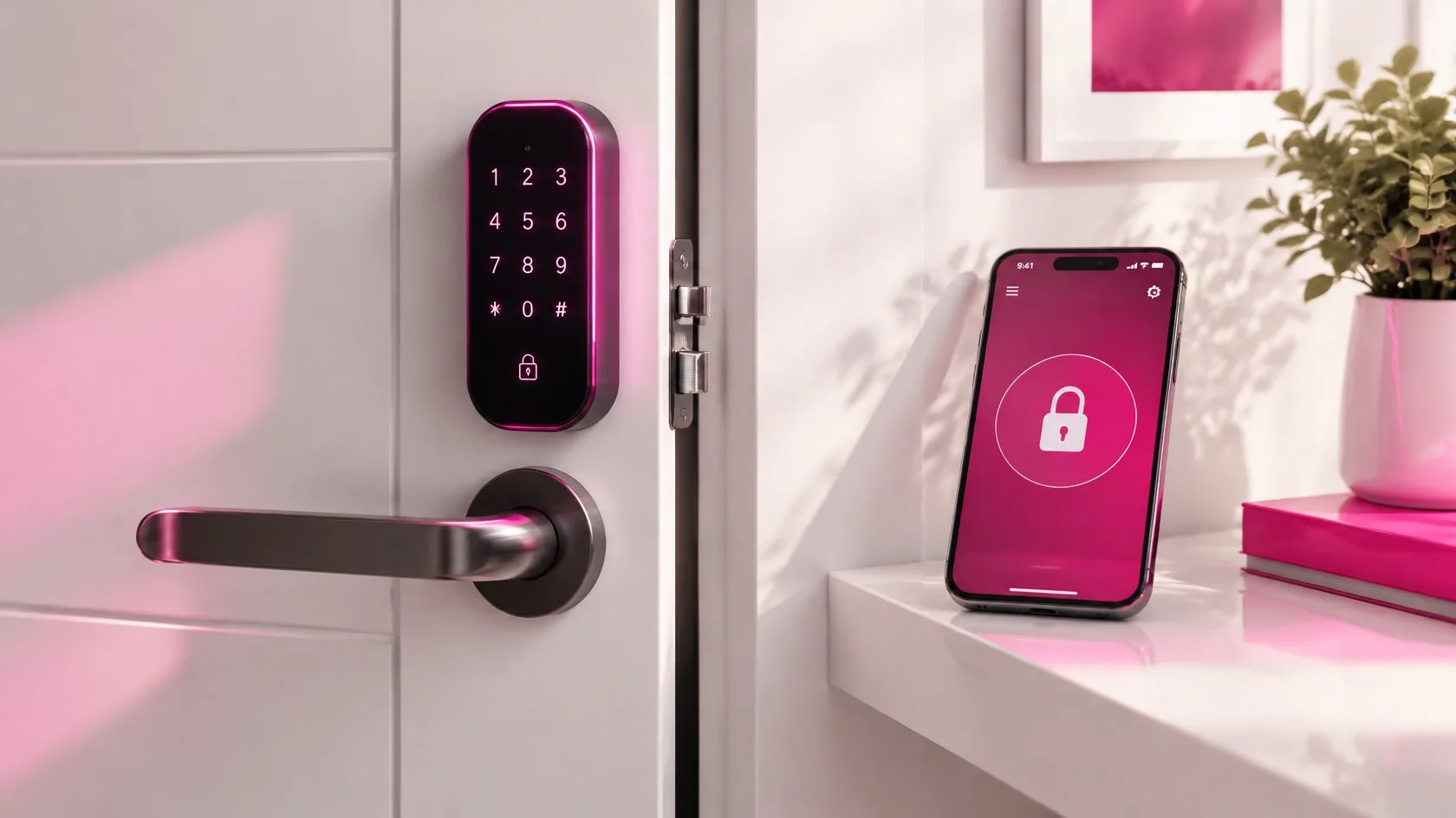
A smart lock is an electronic locking system that opens without a traditional key. Depending on the model, guests get in with a keypad code, a smartphone app, a key card or fob, or a combination of these.
In short-term rentals, one feature matters most: time-limited access. Each guest gets a code that works only from check-in time to check-out time. Once the stay ends, the code simply stops working.
More advanced systems are managed remotely through an online platform. You can create and revoke codes, check the access log and receive alerts, for example when the battery is running low.
The real benefits for hosts and property managers
The first benefit is time. No more key handover appointments, waiting around or last-minute phone calls. But the advantages go further.
- Flexible arrivals: guests let themselves in whenever they arrive, even late at night, without depending on you.
- Better key security: no lost, copied or forgotten keys leaving with departing guests.
- Staff access: cleaners, maintenance crews and suppliers can have their own codes, limited to set time windows.
- Traceability: the access log shows who entered and when, which helps if a dispute arises.
- Scalable operations: if you manage several units, you control every door from a single dashboard instead of juggling bunches of keys.
Good to know: a smart lock controls access to the property, but it does not replace your legal duty to identify guests. In Italy, for example, hosts must verify the identity of every guest and report their details to the police (Questura) through the Alloggiati Web portal. The accepted ways of identifying guests have been the subject of official guidance and court rulings, so before setting up a fully remote arrival, check the current rules with the local Questura or the relevant authority in your country.
Types of smart locks: which one suits you
There is no perfect lock for everyone. The right choice depends on the door, the type of property and the way you work. Here are the main options.
| Type | How it opens | Best for | Keep in mind |
|---|---|---|---|
| Keypad lock | Numeric code | Rentals with frequent turnovers | Easy for every guest, even without a smartphone |
| App-based lock | Smartphone via Bluetooth or network | Tech-savvy guests | You need a fallback if the phone battery dies |
| Electronic cylinder | App, code or fob, depending on the model | Existing doors you don't want to replace | Check compatibility with the door and cylinder |
| Key card or fob | Proximity card | Properties with several units or shared areas | Cards must be handed out and collected |
| Building entry systems | Code, app or smart intercom | Apartment buildings and shared entrances | You need approval from the building or owner |
Often the best setup combines methods: a code as the main entry, for instance, with an app or a mechanical key as a backup.
What to check before choosing a smart lock
Before you buy, run a quick technical and operational check. These are the points that really make a difference.
Door compatibility
Measure the door thickness, the cylinder type and the space available. Some security doors need specific models or a locksmith. A poorly fitted lock is the number one cause of malfunctions.
Connectivity
Bluetooth-only locks work when you are nearby or when the guest uses the app. To manage everything remotely you need Wi-Fi or a dedicated gateway. If the property has no reliable internet, choose a model that can generate time-limited codes offline.
Power and batteries
Almost all smart locks run on batteries. Check how long they last, whether the system warns you before they run out and whether there is an emergency opening option, such as a mechanical key or external power.
Integration with your property management system
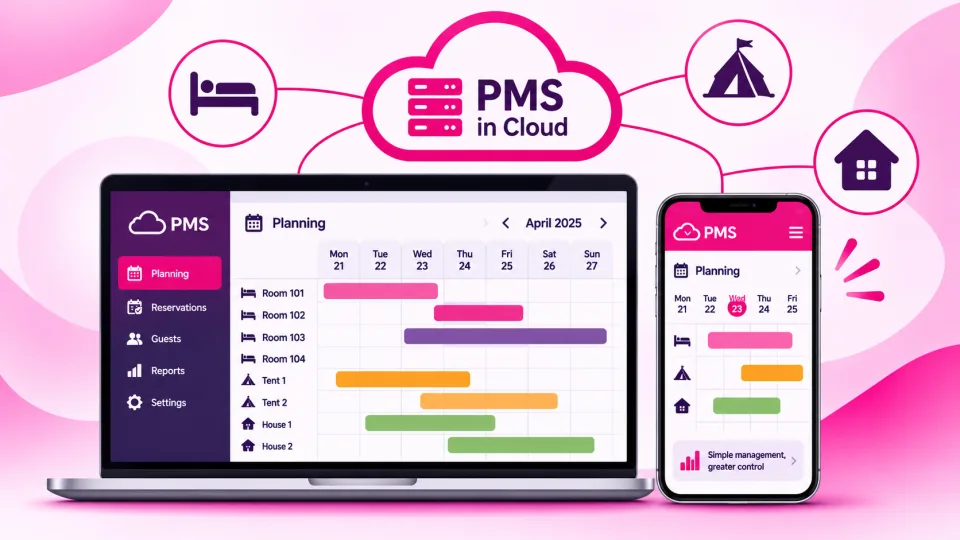
This is where the real step up happens. When the lock talks to your PMS or booking system, codes are created automatically for every new reservation and updated if the dates change. Without integration you will be generating codes by hand, with all the risk of mistakes that brings.
Support and updates
Look at the quality of customer support, how often the software is updated and how easy it is to replace parts. A lock is infrastructure, not a disposable accessory.
Access code security: best practices
A smart lock is only as secure as the way it is managed. A few simple habits remove almost all the risk.
- One code per stay: never reuse the same code for different guests.
- Limited validity: activate the code at check-in time and deactivate it at check-out.
- Separate staff codes: each team member has their own, with set time windows, so the access log stays meaningful.
- Send it at the right moment: share the code shortly before arrival, once the booking is confirmed and guest documents have been received.
- Reliable channels: use automated messages from your management system rather than pasting codes by hand into different chats.
- Protect the master code: keep it somewhere safe and share it only with people who truly need it.
Tip: avoid easy-to-guess codes such as sequences or dates. If your system allows it, let the platform generate random codes.
How to set up self check-in step by step
The lock is just one piece of the puzzle. A smooth arrival needs a clear workflow that starts as soon as the booking comes in.
- Booking confirmed: the system records the dates and times of the stay.
- Guest data collection: request guest details and ID documents in advance with online check-in.
- Identification: verify guests' identity using the methods required by the rules in force.
- Arrival instructions: shortly before arrival, the guest receives the address, entry instructions and a time-limited code.
- Arrival: the guest lets themselves in; you get a notification of the first entry, if your system supports it.
- Mandatory reporting: you submit guest details to the authorities within the required time and keep the receipts.
- Check-out: the code expires automatically and the cleaning team enters with their own access.
Clear instructions matter as much as the technology. Add photos of the entrance, show where the lock is and explain what to do if the code doesn't work.
Common mistakes to avoid
Most smart lock problems have nothing to do with the device itself. They come from the way the process is organised.
- No plan B: if the battery dies or the connection drops, you need a backup option and a contact the guest can reach.
- Vague instructions: a tired guest, at night and in the rain, should never have to guess which door to open.
- Codes managed by hand: copying and pasting codes for every booking multiplies errors, especially across several units.
- Forgetting the main entrance: if the apartment is in a shared building, the street door needs a solution too.
- Overlooking privacy: access logs contain personal data; handle them in line with GDPR or your local privacy rules, and inform guests.
Watch out: before installing devices on shared doors or building entrances, check the building rules and, if you are not the owner, get written permission.
Quick checklist
- I have checked that the lock fits the door and, if needed, the building entrance.
- The lock supports time-limited codes with start and end times.
- I can manage access remotely or generate codes offline.
- I get an alert when the batteries are running low.
- There is an emergency opening option and a contact for guests.
- Codes are created automatically from bookings.
- Staff members have personal codes with time windows.
- Guest identification and reporting follow the rules in force.
- Arrival instructions include photos and clear steps.
Want to automate self check-in at your property?
With ForGuest you can connect bookings, guest communication and access management in a single workflow, cutting manual work and mistakes. Let's talk and find the best setup for your properties.
Frequently asked questions.
Does a smart lock replace guest identification?
No. The lock controls access, but identifying guests and reporting their details to the authorities is still required. In Italy, check the accepted identification methods with the local Questura.
What happens if the smart lock battery dies?
Good models warn you in advance when the battery is low and offer an emergency opening option, such as a mechanical key or external power. Always have a plan B.
Do I need internet to use a smart lock?
For remote management, yes, via Wi-Fi or a gateway. Some models can still generate time-limited codes offline, which helps where the connection is unreliable.
How do I send access codes to guests securely?
Use automated messages from your management system, shortly before arrival and only for confirmed bookings, with a different code for every stay.
Can I install a smart lock on a shared building entrance?
Only with approval from the building management and, if you are not the owner, from the owner. Always check the building rules first.