At a restaurant, at a supplier's, in a shop or at the petrol station: every time you need an invoice, the same ritual begins. Your VAT number letter by letter, your e-invoicing code repeated twice, your address, your certified email. Then something is wrong and the invoice has to be reissued. SendMyID removes this step: you show a QR code and your details appear on the screen of the person who needs them.
The time we waste dictating our details
Professionals, businesses and private individuals share the same details dozens of times a year. They almost always do it out loud, with a business card or with a photo sent over chat: slow, error-prone and not very secure.
- Typing errors: one wrong digit in your VAT number or tax code and an electronic invoice gets rejected.
- Wasted time: dictating, repeating and checking, at every purchase.
- Scattered data: photos of documents and company records left in the chats and inboxes of people you don't know.
What is SendMyID
SendMyID is an app developed by ForGuest that works as a digital vault on your phone. You enter your details once: they are encrypted and stay on your device. When you need them, you choose which set to share, with whom and for how long.
The principle: the vault lives on your phone. The SendMyID website only hosts the sharing pages, it does not store your data.
How it works in three steps
- Create your vault: enter your details on your phone, protected by encryption and a personal password.
- Choose what to share and for how long: a QR code for the person in front of you, or an email for someone far away, with an expiry you set.
- The recipient sees only that set: they read the details on screen and, once the link expires, it can no longer be opened.
A practical example: the restaurant invoice
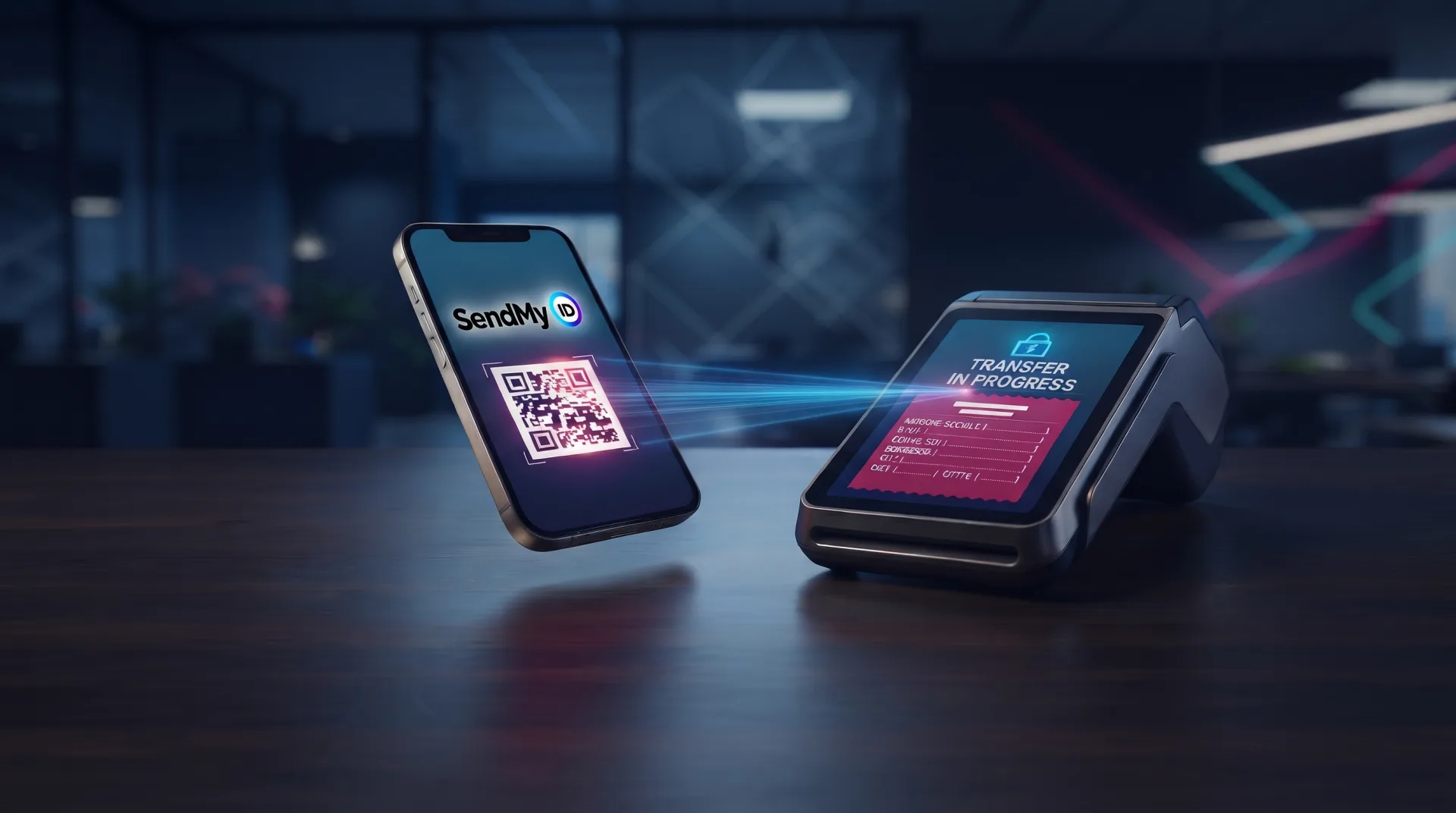
You have just finished a business dinner and need an invoice. Instead of dictating your company name, VAT number, e-invoicing code and address, you open SendMyID and show the QR code of your Purchases set. The cashier scans it and sees the full list of your tax details on their screen, spelled correctly. A few seconds, and no more "could you repeat that?".
Four data sets for four situations
| Set | What it contains | When to use it |
|---|---|---|
| Friend | Your contact details, which can be saved to the address book from the QR code | New acquaintances, events, networking |
| Company | Contact person and company details | Suppliers, clients, trade fairs: a business card that never gets lost |
| Purchases | Contact, address and tax details | Invoices in shops, restaurants, from suppliers, orders |
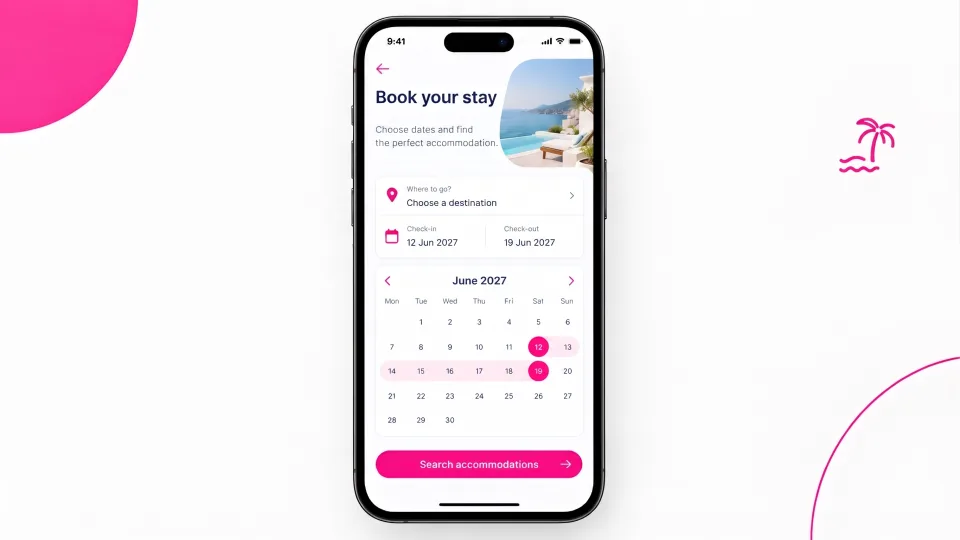
| Travel | Details needed for check-in at an accommodation | Hotels, B&Bs, holiday homes and campsites |
The first three sets can be shared by QR code or email. The Travel set is sent by email with a confirmation step: the accommodation views the details on screen and can download them as an XML file.
Security: on your phone, not online
Only the encrypted data set travels over the internet, while the key to read it is in the link, not on the server. That is also why the vault password cannot be recovered: if you lose it, the vault on that phone will not open. It is the price of real protection, where nobody else holds the keys to your data.
How much does it cost? SendMyID costs €8.00 per year after a 30-day free trial, paid through the app store. The app is planned for the App Store and Google Play.
Who it is for
- Freelancers and professionals who often request invoices for business expenses.
- Companies and sales agents who exchange contacts and details with clients and suppliers.
- Travellers who want a faster check-in without sending photos of their documents.
- Anyone who wants to share their details quickly, accurately and under their own control.
Stop dictating your details
With SendMyID you show a QR code and the person in front of you sees your details in seconds, while your vault stays encrypted on your phone.
Frequently asked questions.
What is SendMyID?
It is an app by ForGuest that works as a digital vault: it keeps your personal data encrypted on your phone and lets you share it by QR code or email, choosing what to send and for how long.
How do I use SendMyID to get an invoice?
Show the QR code of your Purchases set: the person issuing the invoice scans it and sees your contact, address and tax details on their screen, without you having to dictate your VAT number.
What data can I share?
There are four sets: Friend (contact details), Company (contact person and company details), Purchases (contact, address and tax details) and Travel (details for check-in at an accommodation).
Where is my data stored?
It stays encrypted on your phone. Only the shared set travels online, encrypted, and the key to read it is in the link, not on the server.
What happens when the link expires?
The recipient can no longer view your details: access lasts only for the time you chose.
Can I recover my password if I forget it?
No. The password cannot be recovered: if you lose it, the vault on that phone will not open. This is a deliberate choice to guarantee maximum privacy.
How much does SendMyID cost?
€8.00 per year after a 30-day trial, paid through the app store. The subscription renews automatically until you cancel, and cancellation must be done before the renewal date.